HARDWARE
Everything I’ve Learned Testing Several Robot Lawn Mowers
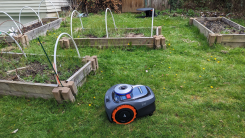
For the past six weeks, I’ve been conducting an experiment. At 5 p.m. twice a we...

Ever wish a certain window could be pinned above all other ones? Or that you could see through a window to whatever's behind it? A free and open source Windows utility called MenuTools lets you do that and more.
After installing the program you only need to right-click the bar at the top of any window and you'll find more options. My personal favorite is the ability to make any window transparent. This is occasionally useful, probably, but mostly I think it's neat.
You can also pin any window to the top—a feature that has much more obvious utility. You could pin a notepad to the top while a video plays in fullscreen, for example. This stacks well with the transparency—you can still sort of see what's going on behind your note-taking window.

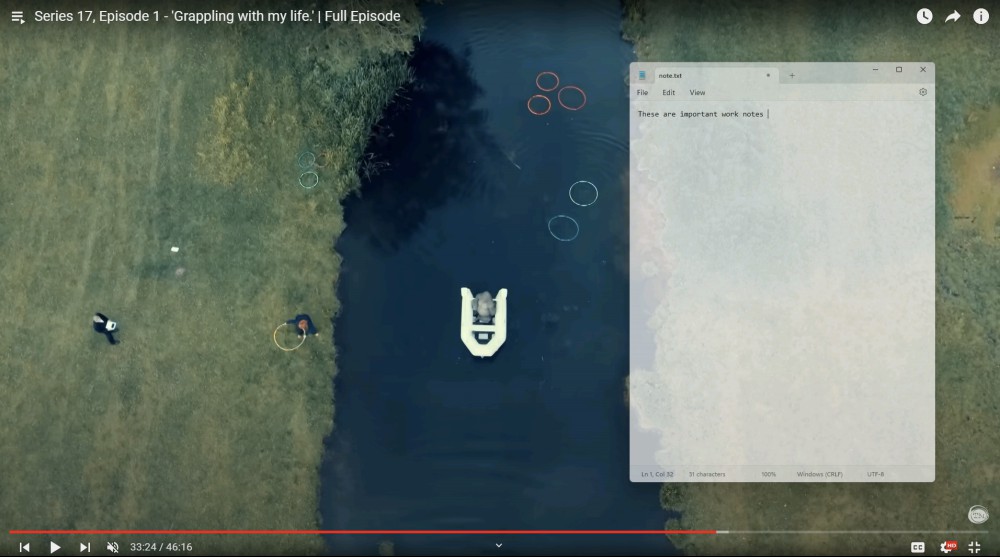
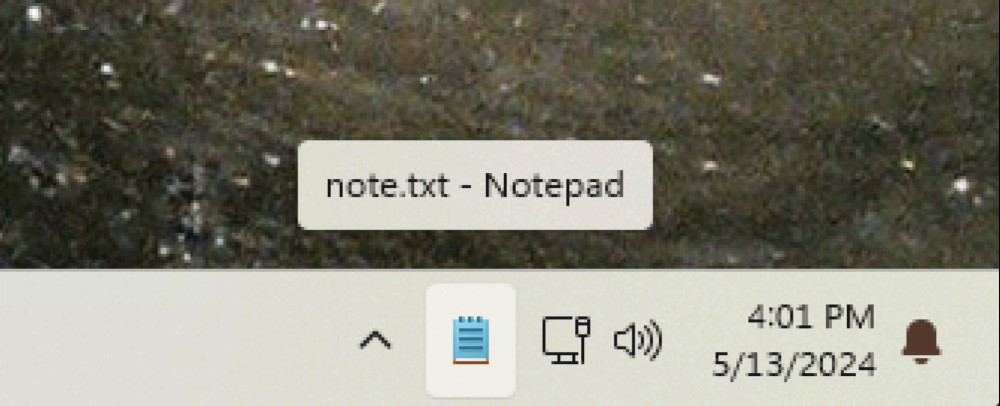
And there's one more feature: the ability to minimize any window to the system tray instead of to the taskbar. Many applications offer a feature like this, but with MenuTools you can apply it to any application. This is perfect if you want to keep an application running in the background without it taking up any visual space in your workflow.
There's one last feature in the menu: the ability to change the process priority of the application. This is a feature you could otherwise only find deep in the Task Manager, and that's for a good reason: Messing with priority levels can cause instability, and isn't really necessary most of the time. I would strongly recommend you not use this feature unless you're clear on what it means. If you want a certain application to have priority access to the CPU, however, the option is there.
MenuTools isn't new: it's been around since 2014 and was last updated in 2020. The developer is still answering questions on Github, though, and it works well with Windows 11.
For the past six weeks, I’ve been conducting an experiment. At 5 p.m. twice a we...

There are plenty of good reasons to get your home kitted out with some of the best...

TCL’s next line of smart TVs is here, with improved processing, generally lower ...
Since macOS Mojave was launched back in 2018, users have been able to take advanta...

Generative AI applications like ChatGPT, Gemini, and Copilot are known as chatbots...

Thus far, AI devices like the Rabbit R1 and the Humane Ai pin have been all hype, ...
Comments on "Use This App to Add More Window Management Options to Your PC" :