
TECH
This Canyon Spectral E-Bike Is Perfect for Weekend Warriors
Against all good sense, my old ass has been getting into mountain biking over the ...

Microsoft is updating the Windows 11 Snipping Tool, which is the platform's default option for capturing and annotating screenshots. Soon, you'll be able to use the Snipping Tool to scan QR codes in screenshots, finally giving you an easy way to use them on PC. You'll also be able to use Windows 11's emojis to annotate screenshots. These new features are currently rolling out to Windows Insiders and will be available in Snipping Tool version 11.2404.37.0 and newer.
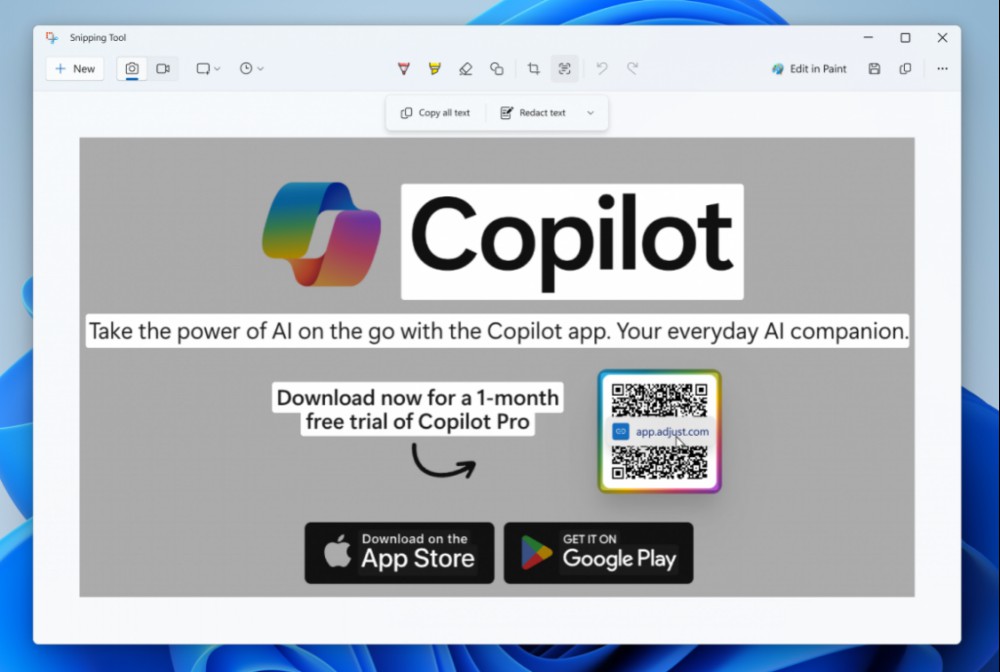
Scanning QR codes using the Windows 11 Snipping Tool will be pretty straightforward. Just take a screenshot, open it in the Snipping Tool's markup canvas (the preview where you annotate screenshots), and select the Text Actions button in the top bar. It's located to the right of the Crop button. Snipping Tool will detect the link in the QR code and prompt you to either copy it or open it.
It's worth noting that the ability to scan QR codes has been in ShareX, my favorite tool to capture screenshots on Windows, for quite some time. Even though I love ShareX, which is free and has no ads, it can be a bit cumbersome to set up. Now, you'll be able to use QR codes on Windows right out of the box.

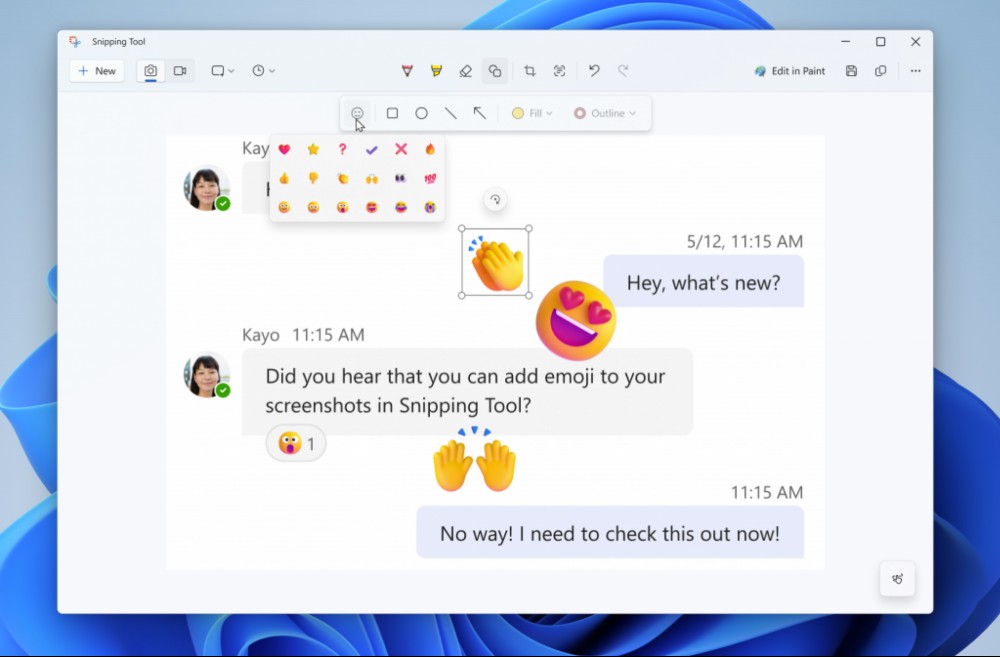
There's two steps to annotating with emojis in Snipping Tool. First, open any screenshot in Snipping Tool's markup canvas and click the Shapes button (the icon looks like an overlapping square and circle). Then, hit the emoji icon, select the emoji you want, and drop it on the screenshot.
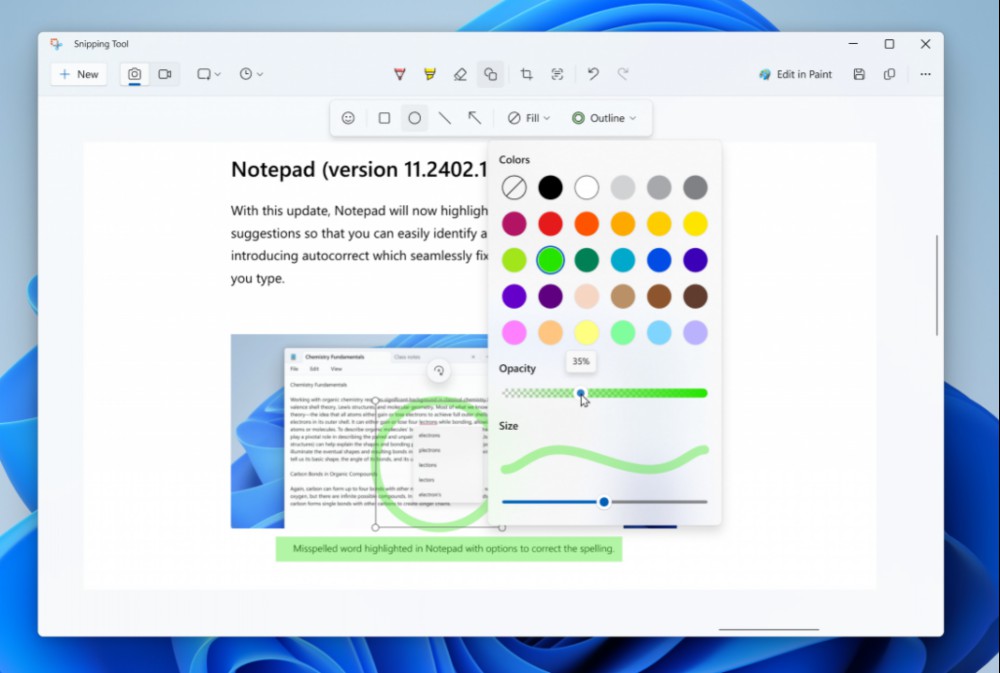
The upcoming Snipping Tool update adds back the ruler. Just hit Ctrl-R to toggle the ruler in this app. You can now also change the opacity of shape fill and outline colors.
There's two main ways to access the Snipping Tool. The first is to use the search bar in the taskbar at the bottom of the screen to look for the app. Alternatively, you can use the Windows-Shift-S keyboard shortcut to immediately take a screenshot with the Snipping Tool.
You can expect QR code scanning and other new Snipping Tool features to reach you in the coming months. For the moment, they're only in Windows Insider's Dev and Canary channels, which have far more experimental features than stable builds. They'll eventually make their way to the release preview channel of Windows Insider builds and then finally ship to the general public. If you're itching to try out these new features, you can join the Windows Insider program, but be prepared to face a few bugs and general instability.
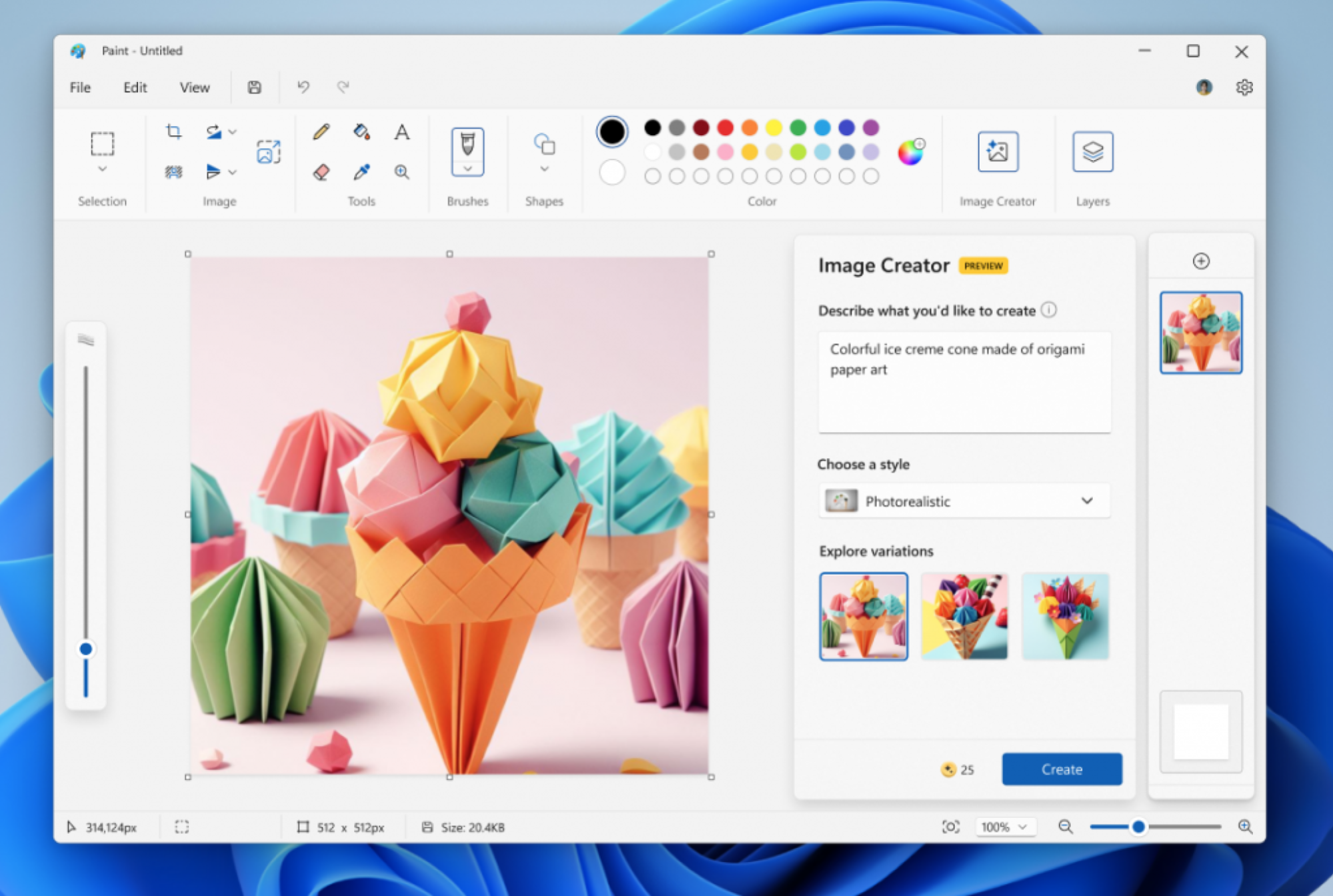
A few months ago, Microsoft had brought AI to Paint. The humble app that's been a feature of Windows for decades now lets you use DALL-E to type what you'd like to create, and generates images accordingly. This feature was called Paint Cocreator, bur Microsoft is now rebranding it to Image Creator. The change is effective with Paint version 11.2404.42.0 and newer. This is just a name change: the feature works exactly as it did before.
Against all good sense, my old ass has been getting into mountain biking over the ...

One of the most annoying aspects of Spotify's free tier is the ads. Every half hou...

Google's AI heavy Google I/O keynote has ended, but Gemini has a long way to go be...
Attention, Chrome users: It's time to update your browser. Google dropped an updat...

Your Kindle reading experience can go far beyond what's available on the Kindle st...

It's difficult to avoid artificial intelligence at the moment—it's currently bei...
Comments on "Windows 11's Screenshot Tool Will Let You Scan QR Codes" :